 DataMosaic
Mosaic · Product
What Mosaic connects to, and what it knows.
You don't replace your systems. You make them observable — and DataMosaic learns enough about them to explain what it finds.
Connect the systems you already use.
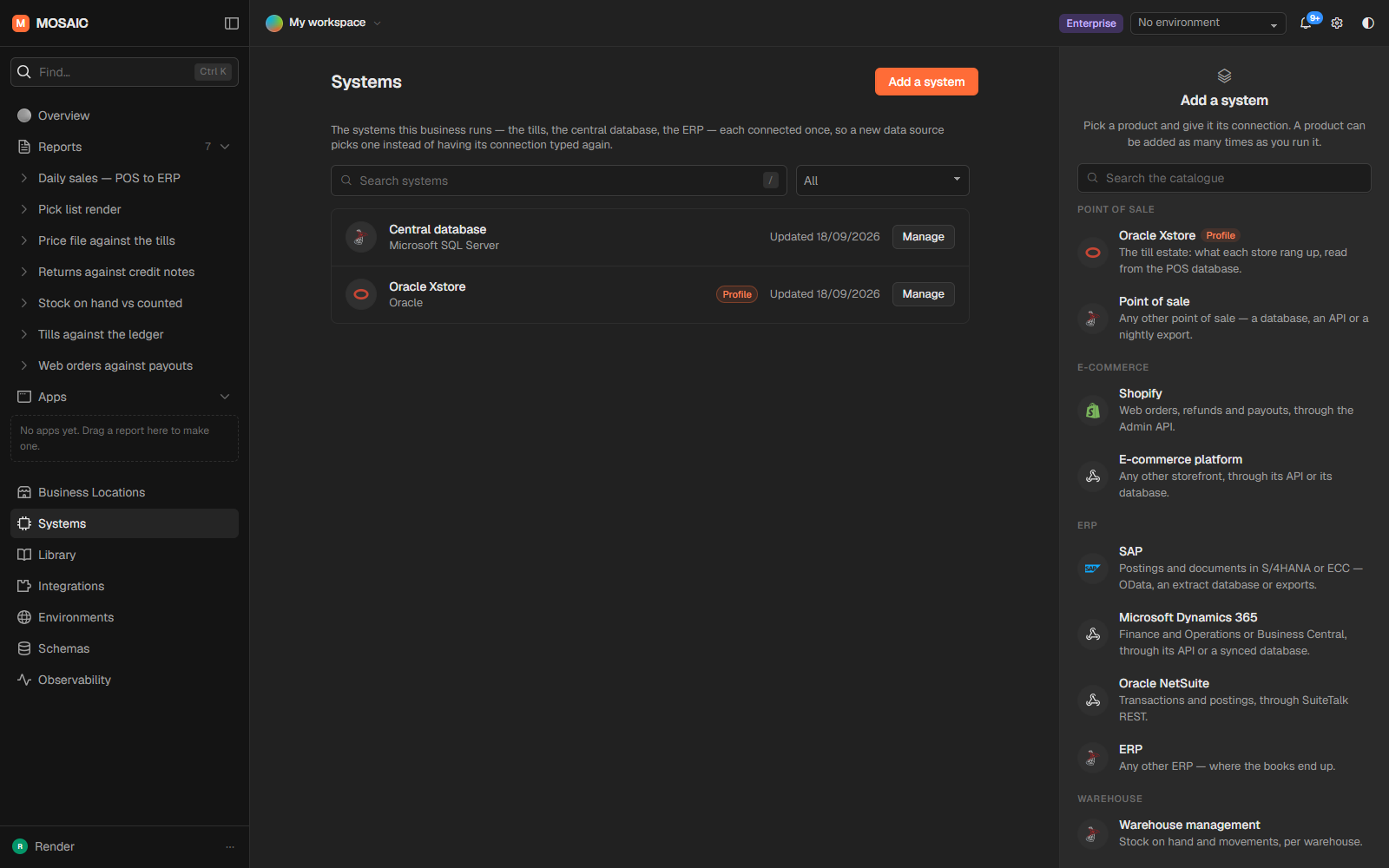
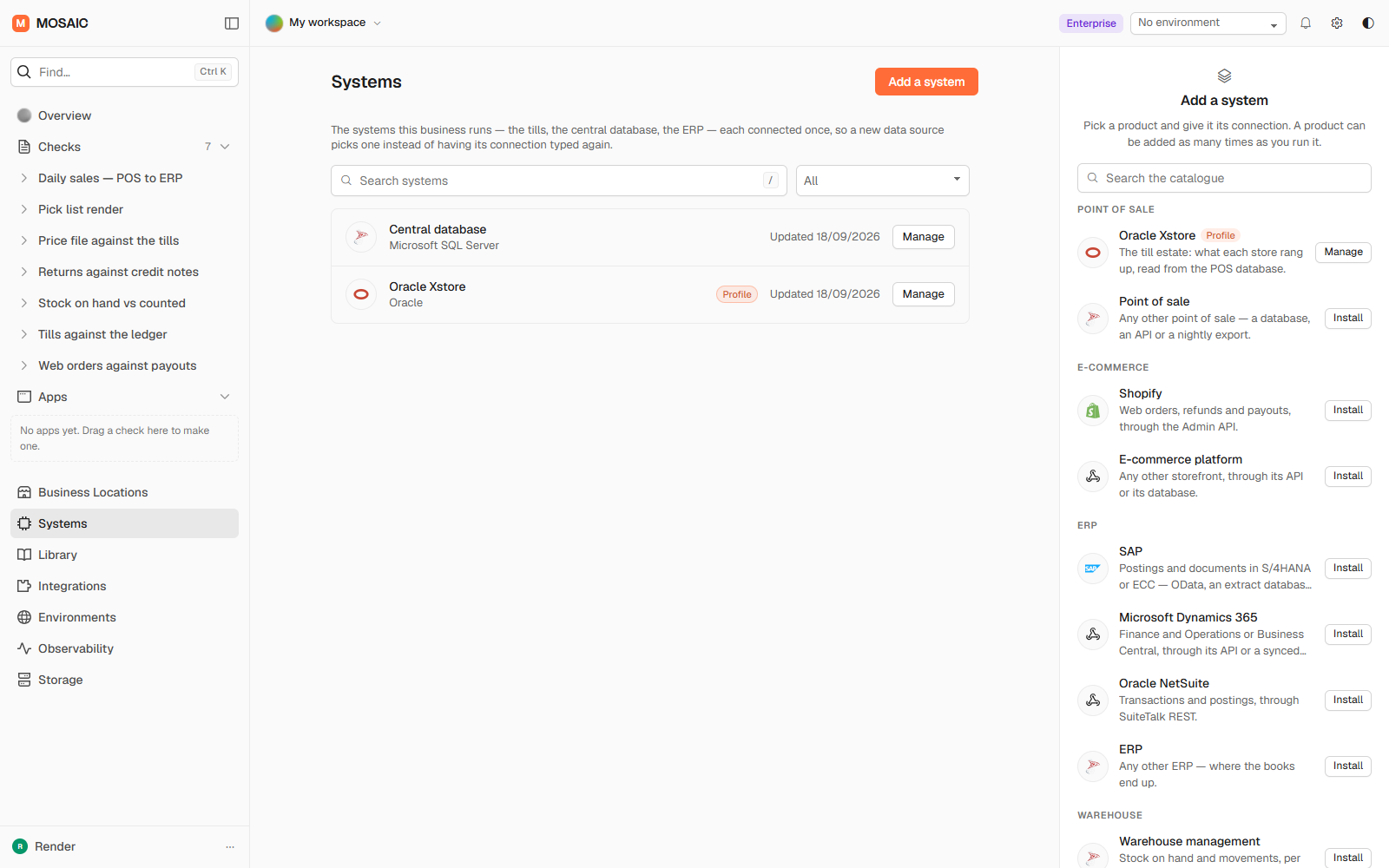
Your existing systems stay where they are.
- Mosaic isn't another ERP.
- It isn't a replacement for your POS.
- It isn't another BI dashboard.
- It doesn't ask you to rebuild your infrastructure.
It sits across the systems you already run and gives you control over the data moving between them.
It learns the context behind your data.
Reconciliation without business context can tell you that something is different. Explaining the difference takes knowing what the fields mean.
SALE_STATUS = COMPLETEThat knowledge accumulates. After six months Mosaic knows how your business is wired — and that is the part nobody can export from a spreadsheet.
Packs. Start with what you already know.
A pack carries a system's vocabulary, so the first control is not written from a blank page.
More systems. More domain intelligence. More controls.
Built for the people who keep systems running.
Questions people ask first.
What does Mosaic connect to?
POS, ERP, e-commerce, WMS and CRM systems; databases including SQL Server, Oracle and PostgreSQL; REST APIs; and files such as CSV and Excel exports.
Is it a replacement for my ERP, POS or BI tool?
No. It sits across the systems you already run and gives you control over the data moving between them.
How is this different from comparing two reports?
A comparison ends with a difference. Mosaic models the flow, so it can follow that difference back through the integration layer to the reason — a rejected record, a mapping error, a different business rule, or data that has not arrived yet.
Where does it run?
Where your data lives: cloud, hybrid, or on your own machines. It opens databases on your own network and keeps credentials encrypted on disk.