 DataMosaic
#What each DBeaver edition can compare
DBeaver comes in several editions, and the one you have decides how you compare two tables. From DBeaver's own editions page and documentation, in November 2026:
| Edition | Compare table data | Compare structure | Published price |
|---|---|---|---|
| Community | No; use SQL | Simple Structure Compare | Free |
| Lite | No | No | $113 a year |
| Enterprise | Data Compare | Schema Compare | $255 a year |
| Ultimate | Data Compare | Schema Compare | $510 a year |
| Team Edition (desktop) | Data Compare | Schema Compare | From $1,630 a year |
The latest Community release on DBeaver's GitHub is 26.2.4, from 1 November 2026.
Simple Structure Compare is in Community. Select two tables, right-click, choose Compare/Migrate › Simple Structure Compare, and it reports how their columns, keys and other properties differ. It reads metadata only: two tables with identical structure and different rows come out the same. It is worth running first, because the queries below assume both tables have the same columns.
#The two tables
The examples use PostgreSQL. One day of sales per store, from the tills and from the ERP, the same invented day as in comparing two tables in SQL. Open a SQL editor on a scratch database in DBeaver, paste this, and run it as a script with Alt+X.
CREATE TABLE till_sales (
  store         varchar(10)   NOT NULL,
  business_date date          NOT NULL,
  net_sales     numeric(12,2) NOT NULL,
  units         int           NOT NULL,
  tax_code      varchar(10),
  PRIMARY KEY (store, business_date)
);

CREATE TABLE erp_sales (
  store         varchar(10)   NOT NULL,
  business_date date          NOT NULL,
  net_sales     numeric(12,2) NOT NULL,
  units         int           NOT NULL,
  tax_code      varchar(10),
  PRIMARY KEY (store, business_date)
);

INSERT INTO till_sales VALUES
  ('ST-004', '2026-11-02',  9850.20, 412, 'STD'),
  ('ST-011', '2026-11-02',  7301.40, 288, 'STD'),
  ('ST-014', '2026-11-02', 12400.00, 530, 'STD'),
  ('ST-022', '2026-11-02',  6410.75, 251, 'STD'),
  ('ST-031', '2026-11-02',  8120.00, 344, 'STD'),
  ('ST-037', '2026-11-02',  5214.60, 199, 'STD');

INSERT INTO erp_sales VALUES
  ('ST-004', '2026-11-02',  9850.20, 412, 'STD'),
  ('ST-011', '2026-11-02',  7301.40, 288, NULL),
  ('ST-014', '2026-11-02', 11920.00, 512, 'STD'),
  ('ST-031', '2026-11-02',  8119.96, 344, 'STD'),
  ('ST-037', '2026-11-02',  5214.60, 199, 'STD'),
  ('ST-047', '2026-11-02',  2392.30,  96, 'STD');
Five things are wrong in there: ST-014 is 480.00 short in the ERP, ST-022 never arrived, ST-047 is in the ERP only, ST-031 is 0.04 out by rounding, and ST-011 lost its tax code.
#Compare two tables in DBeaver Community
#Two tables in the same database
In the SQL editor, put the cursor in this query and press Ctrl+Enter:
SELECT COALESCE(t.store, e.store) AS store,
       t.net_sales               AS till_net,
       e.net_sales               AS erp_net,
       t.net_sales - e.net_sales AS difference,
       CASE
         WHEN e.store IS NULL THEN 'Missing in ERP'
         WHEN t.store IS NULL THEN 'Missing at tills'
         WHEN abs(t.net_sales - e.net_sales) > 0.05 THEN 'Net differs'
         WHEN (t.units, t.tax_code) IS DISTINCT FROM (e.units, e.tax_code)
           THEN 'Other column differs'
         WHEN t.net_sales <> e.net_sales THEN 'Rounding, within 0.05'
         ELSE 'Matches'
       END AS result
FROM till_sales AS t
FULL OUTER JOIN erp_sales AS e
  ON  e.store = t.store
  AND e.business_date = t.business_date
WHERE t.business_date = DATE '2026-11-02'
   OR e.business_date = DATE '2026-11-02'
ORDER BY 1;
The full outer join keeps rows found on one side only. IS DISTINCT FROM treats two NULLs as equal and a NULL against a value as different, which is what catches ST-011: a plain <> would let it through. The date filter sits in WHERE with an OR, because filtering only t would drop every row that exists only in the ERP. The SQL post explains each of these traps, and gives the SQL Server versions.
To see only the problems, wrap the query and filter with WHERE result <> 'Matches'. To keep the result while you try something else, right-click its tab and choose Pin tab.
#Two databases, on one server or two
PostgreSQL can't join a table in one database to a table in another, and a DBeaver SQL editor runs on one connection at a time. So one table has to come to the other. Community gives you two ways.
Copy it across with Export Data. DBeaver's data migration is in Community and copies a table from one connection to another.
- In the Database Navigator, connect to both databases.
- Right-click
erp_salesin the ERP database and choose Export Data. - Choose Database as the target type and press Next.
- On Tables mapping, use Target container to pick the tills database. The mapping shows Create, because no table of that name exists there yet.
- Go through Extraction settings and Data load settings, check the summary on Confirm, and start the transfer.
- Run the join above in the tills database.
Copy only the day you need when the table is large: run a SELECT … WHERE business_date = DATE '2026-11-02' in the ERP database, then export that result instead of the table. Drop the copy when you are done, so nobody mistakes it for the ERP.
Or query it in place with postgres_fdw. When you will compare often, postgres_fdw lets the tills database read the ERP table without copying it. You need the rights to create an extension and a foreign server, which a DBA may have to grant. Run this in the tills database, with your own host, database and credentials:
CREATE EXTENSION IF NOT EXISTS postgres_fdw;

CREATE SERVER erp_server
  FOREIGN DATA WRAPPER postgres_fdw
  OPTIONS (host 'erp-db-host', port '5432', dbname 'erp');

CREATE USER MAPPING FOR CURRENT_USER
  SERVER erp_server
  OPTIONS (user 'erp_reader', password 'change-me');

CREATE SCHEMA erp;

IMPORT FOREIGN SCHEMA public
  LIMIT TO (erp_sales)
  FROM SERVER erp_server
  INTO erp;
Then use erp.erp_sales in place of erp_sales in the join. Give erp_reader read-only rights on the ERP side: a foreign table can be written to as well as read.
When one side is SQL Server or Oracle, neither trick is as tidy. The post on comparing data between two databases covers linked servers and exporting both sides.
#Two result sets side by side
The quickest look, and the weakest. Run one SELECT with Ctrl+\ to open its result in a new tab, run the other the same way, pin both, and read them against each other. With six rows you will spot ST-014. With six hundred you will miss ST-031, and a row missing on one side shifts every row below it out of line. Use it to look, not to prove.
#Data Compare in Enterprise and Ultimate
The paid editions do this with a wizard. From DBeaver's Data Compare page:
- Connect to both databases. They can be different engines, such as PostgreSQL and MySQL.
- In the Database Navigator, select both tables, right-click and choose Compare/Migrate › Data Compare between Selection. With exactly two tables selected, it fills them in as source and target.
- On Compared objects, check the key. DBeaver picks the primary key when there is one; otherwise choose unique columns yourself. Its warning: "Make sure the selected key columns are unique, or the comparison results may be incorrect." The key columns must be the same number on both sides.
- Under Column mapping, map columns whose names differ, and turn off any you don't want compared.
- On the settings page, tick Show modified rows, Show deleted rows and Show inserted rows, and Open viewer on finish.
- Run it. The viewer highlights each differing row, and Show summary gives the counts of modified, deleted and inserted rows.
You can also compare the result of a query: in the SQL editor choose Execute › Data Compare from query. Comparing a result grid uses only the rows already fetched, so load them all first. The settings let you save the comparison as a task to run again, and export the result as an SQL script, an HTML table or a Daff file.
Read the script before you run it. Export changes writes, in DBeaver's words, a "SQL script, which includes DELETE, INSERT, and UPDATE statements to make the data in the second table match the first." That is right for a copy of a table. It is wrong when the second table belongs to a system that has its own reasons for its figures, as the example below shows.
#The worked example
Run on the two tables, here is what the join query says, and what a script that makes the ERP table match the tills table would do.
| Store | Tills | ERP | The join says | A sync script would |
|---|---|---|---|---|
| ST-004 | 9,850.20 | 9,850.20 | Matches | Leave it |
| ST-011 | 7,301.40 | 7,301.40 | Other column differs | Write STD into the ERP's tax code |
| ST-014 | 12,400.00 | 11,920.00 | Net differs | Set the ERP's figure to 12,400.00 |
| ST-022 | 6,410.75 | none | Missing in ERP | Insert the row into the ERP table |
| ST-031 | 8,120.00 | 8,119.96 | Rounding, within 0.05 | Overwrite 8,119.96 with 8,120.00 |
| ST-037 | 5,214.60 | 5,214.60 | Matches | Leave it |
| ST-047 | none | 2,392.30 | Missing at tills | Delete the ERP's row |
Invented figures. The comparison finds five rows out, and the hard part starts there. ST-014 is 480 short because the ERP refused some lines, and an UPDATE would make the total agree while those lines stay refused. ST-047 was sold, and deleting it removes real takings from the books. ST-031 needs nothing at all. Each row needs its own answer, and the answer lives in the system, not in the table.
#Where DBeaver stops
DBeaver, free or paid, answers "which rows differ between these two tables, right now". It is a desktop tool someone opens. A saved task can run the comparison again, but nobody is told why ST-014 is short, who owns it, or whether yesterday's gap closed.
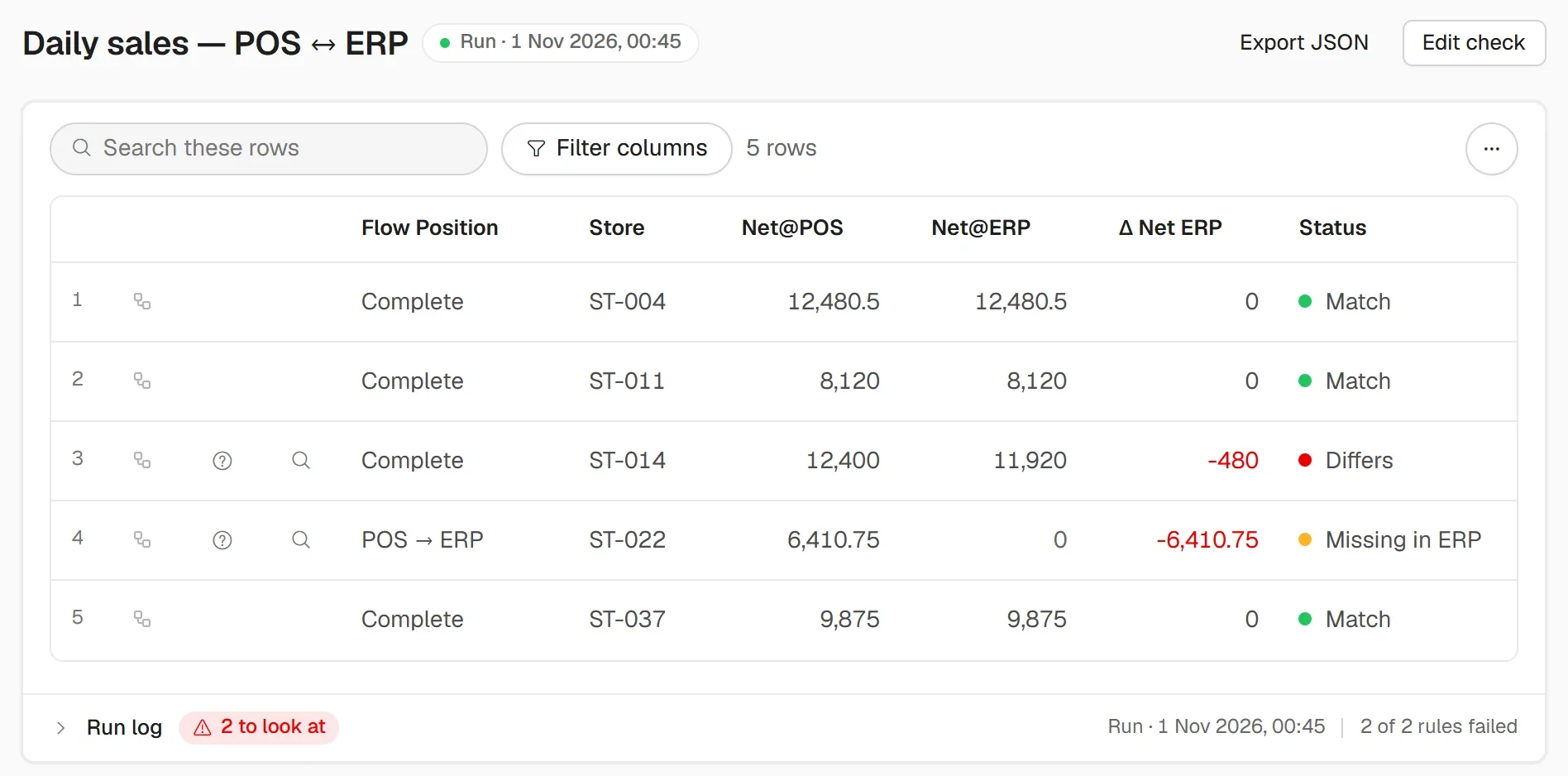
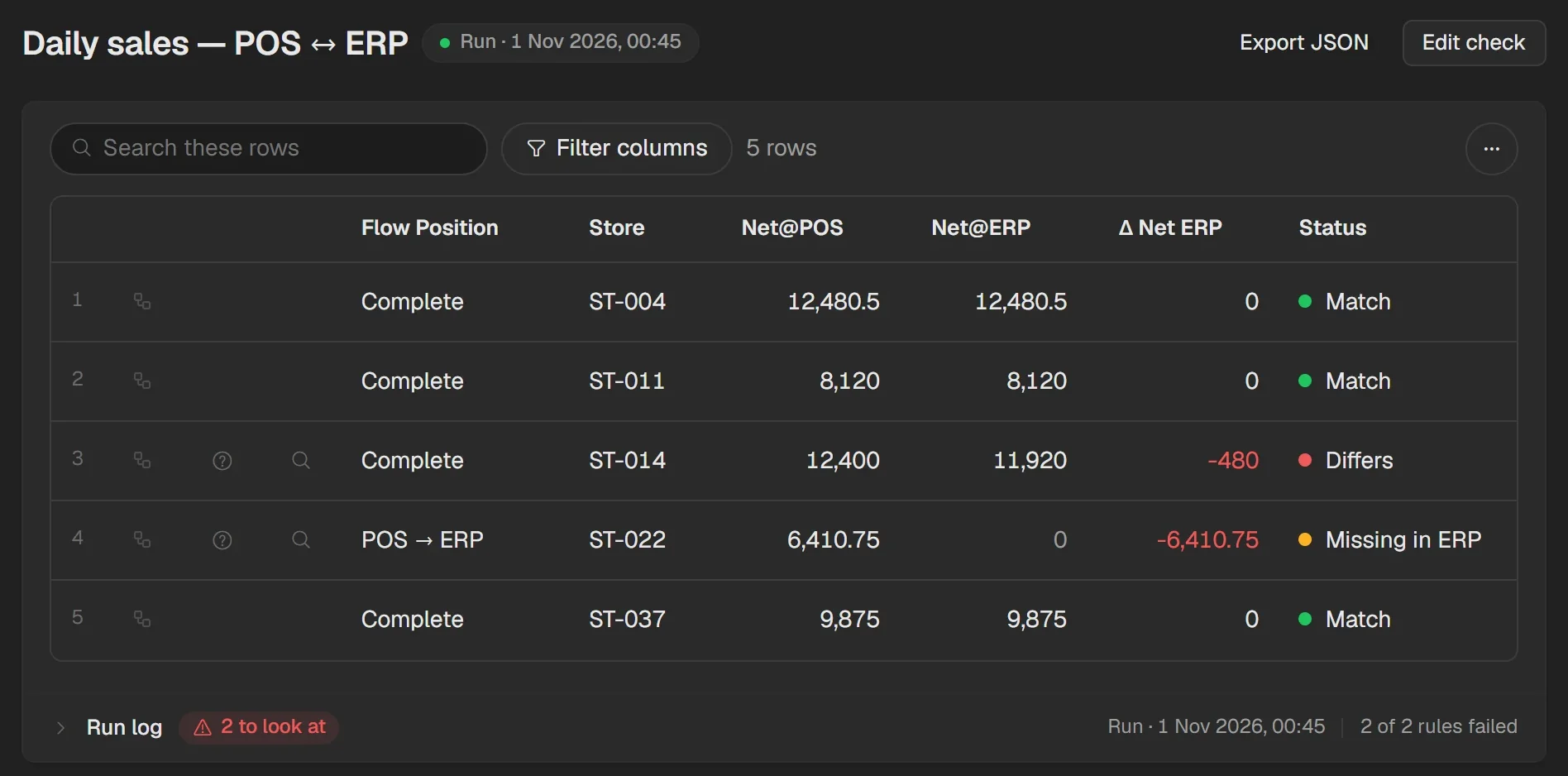
DataMosaic asks a different question: why two systems disagree, every morning, before anyone else notices. A check reads both systems itself (PostgreSQL, MySQL, SQL Server, Oracle, Snowflake, Shopify and others, or CSV and Excel exports), lines them up on shared keys, and shows matched, differing and missing rows, store by store, on a schedule. Rules decide when a run fails, so ST-031's 0.04 can pass. On a differing row, an investigation walks through the reasons a system can refuse or miss data. A check only reads. Mosaic changes a system only through a workflow you build, such as sending a batch again and running the check once more.
#Questions people ask
#Can DBeaver Community compare data in two tables?
Not with a built-in tool: Data Compare is in Enterprise, Ultimate and the desktop Team Edition. In Community, write a FULL OUTER JOIN on the key in the SQL editor, which finds rows that differ and rows missing on either side.
#Where is Data Compare in DBeaver?
Select the two tables in the Database Navigator, right-click, and choose Compare/Migrate › Data Compare or Data Compare between Selection. If it isn't there, your edition doesn't include it.
#How do I compare tables in two different PostgreSQL databases?
PostgreSQL can't join across databases. Copy one table into the other database with DBeaver's Export Data › Database, or read it in place with postgres_fdw, then run the join.
#What does Simple Structure Compare do?
It compares the structure of two databases, schemas or tables, such as their columns and keys, and reports the differences. It doesn't compare the rows.
#How much is DBeaver Enterprise?
DBeaver's editions page listed Enterprise at $255 a year and Ultimate at $510 a year in November 2026. Lite, at $113 a year, does not include Data Compare.